
AI room design for iPhoneRedesign any room from one photo.
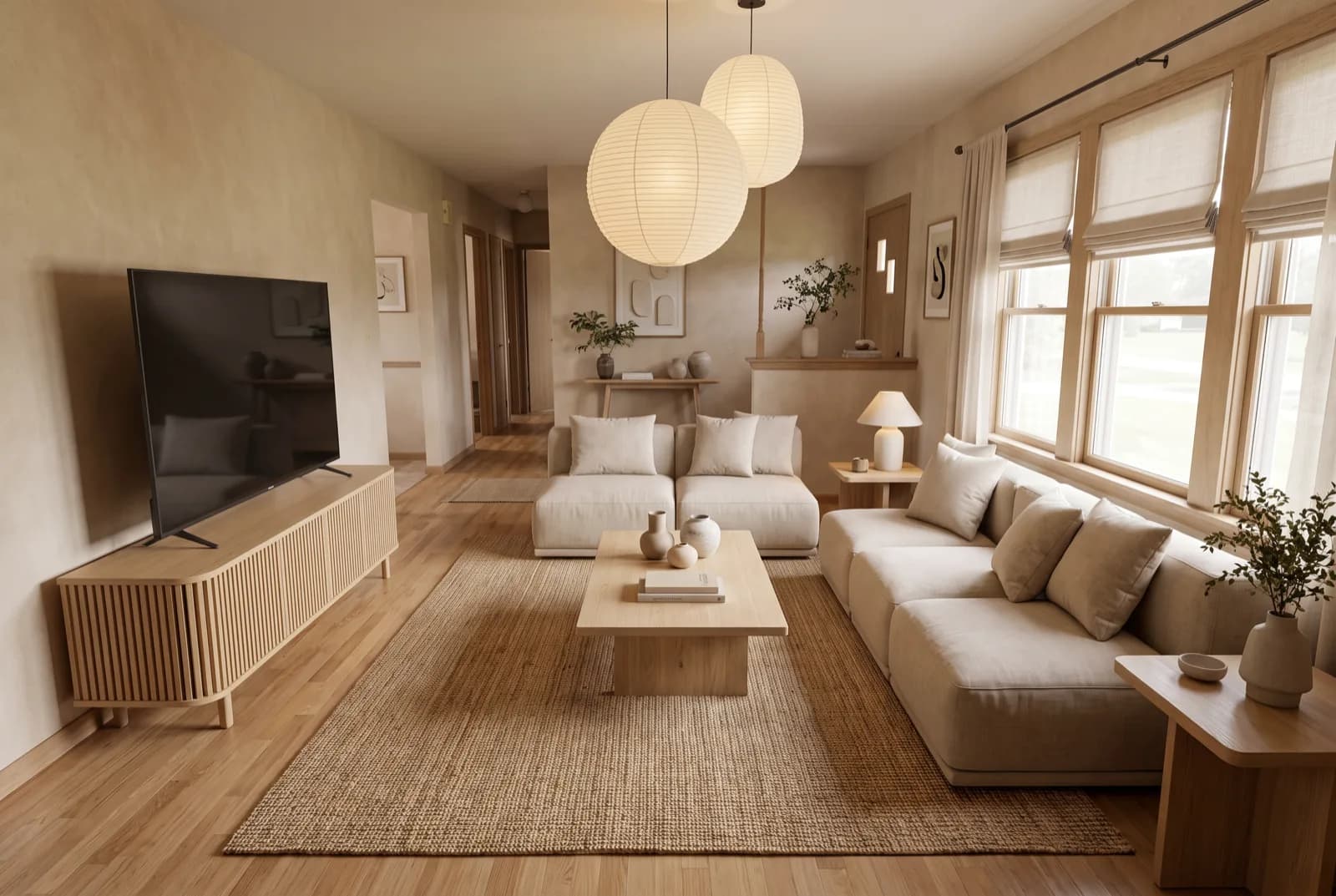
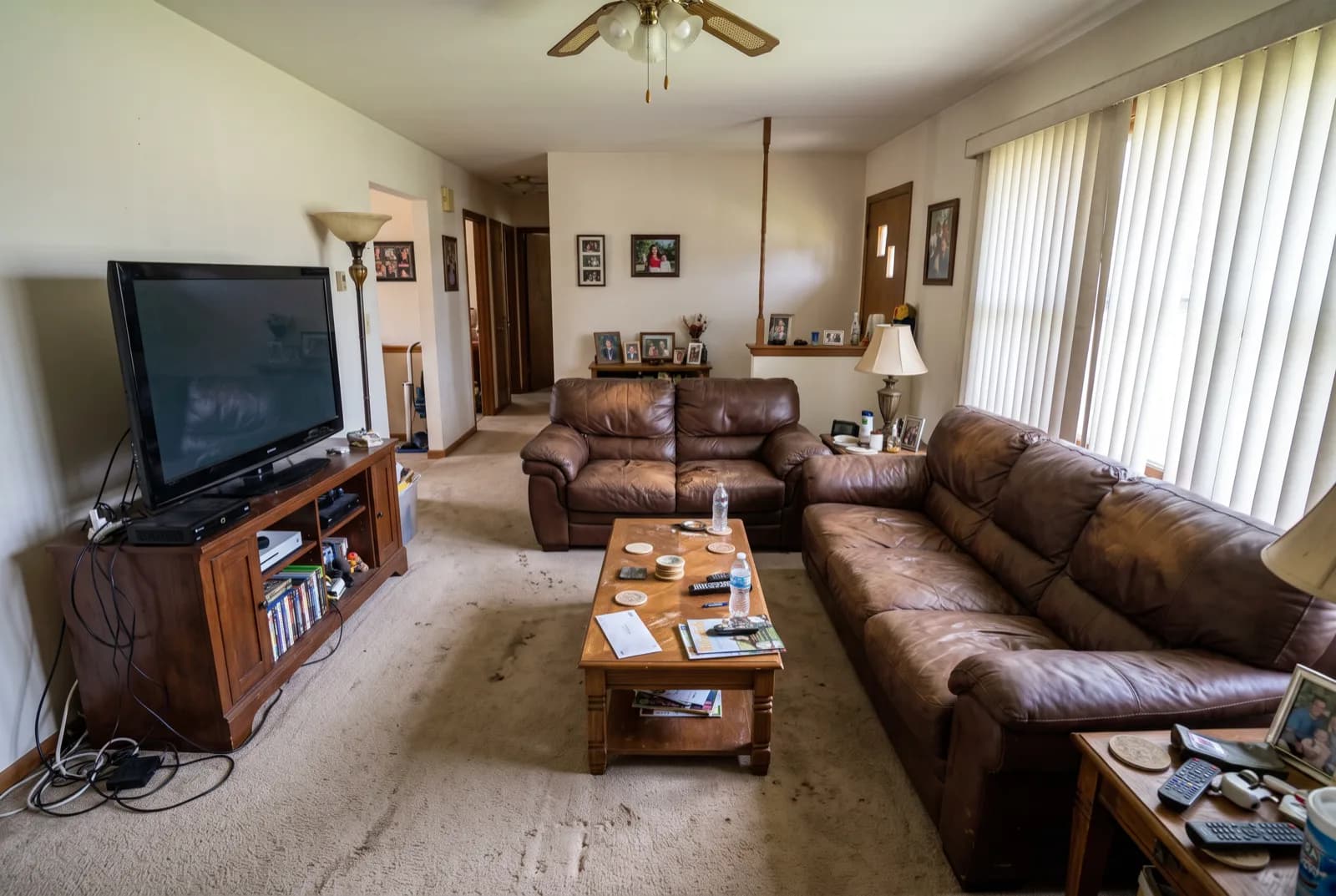
Sample redesigns made with the AI models behind RivAI. Drag the handle, tap a look.
Snap a photo, pick one of 43 styles, and see your real room redesigned in about 30 seconds. Inside, outside, walls, floors, furniture: all from your iPhone.
Free to try · 3-day free trial on annual · Cancel anytime
- (16 ratings) on the App Store
- 4.88★(16 ratings) on the App Store
- design styles
- 43design styles
- rooms & outdoor spaces
- 18rooms & outdoor spaces
- per redesign
- ~30 sper redesign
What is RivAI?
RivAI is an iPhone app by PixelPort LLC that redesigns a room, house exterior or garden from one photo. Pick one of 43 styles and get a photorealistic before-and-after in about 30 seconds. It is free to try. Pro costs $9.99 a week or $39.99 a year in the US, and the annual plan starts with a 3-day free trial.
| Developer | PixelPort LLC |
|---|---|
| Platform | iPhone and iPad, iOS 17 or later |
| Styles | 43, plus 18 room and outdoor types |
| Render time | About 30 seconds (Standard) |
| Price | Free to try; Pro from $9.99 a week (US) |
| App Store rating | 4.88★ (16 ratings) |
Same photo, different room
One photo. 43 styles.
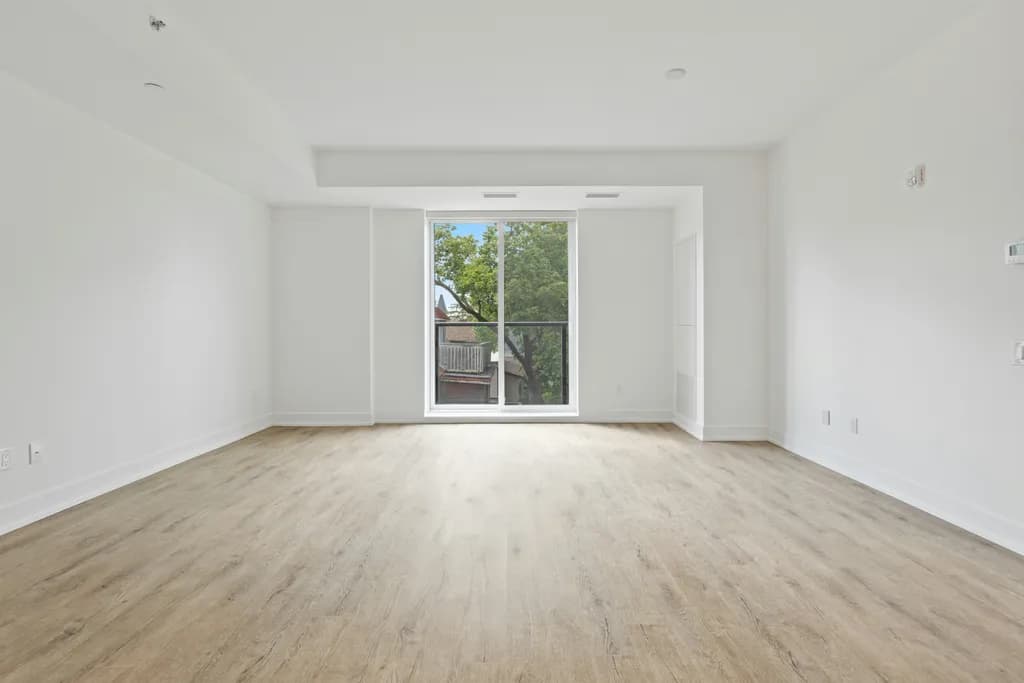
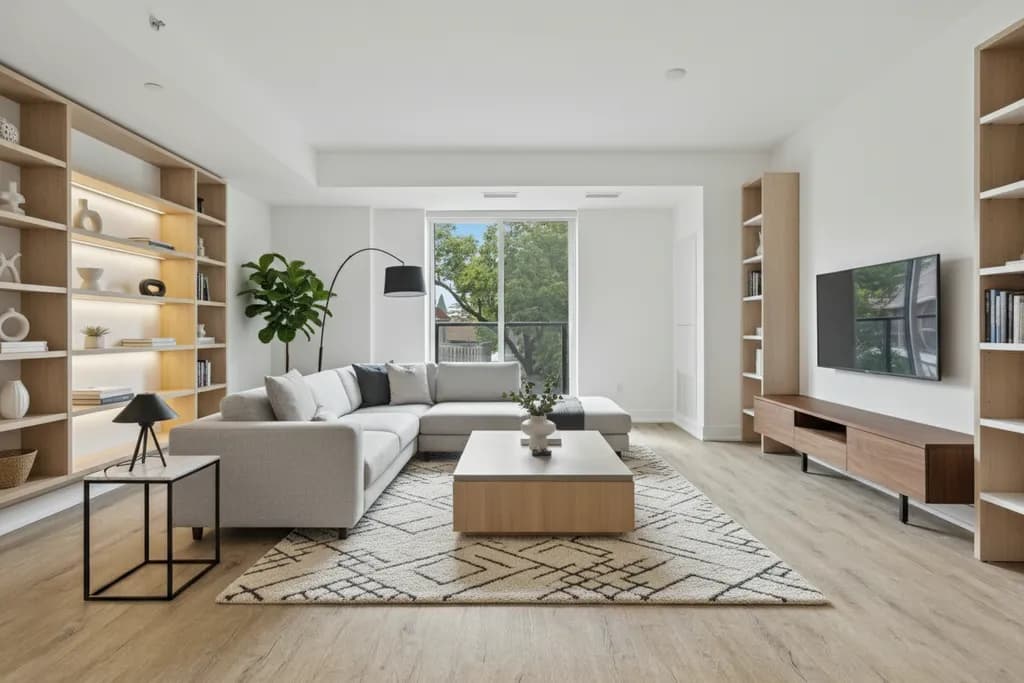
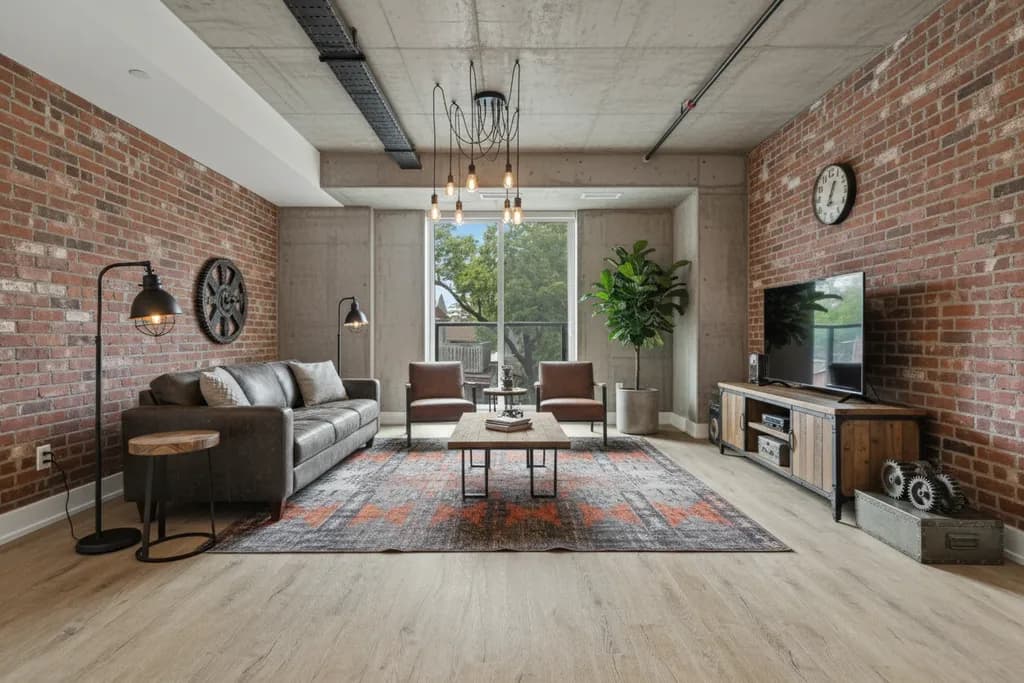
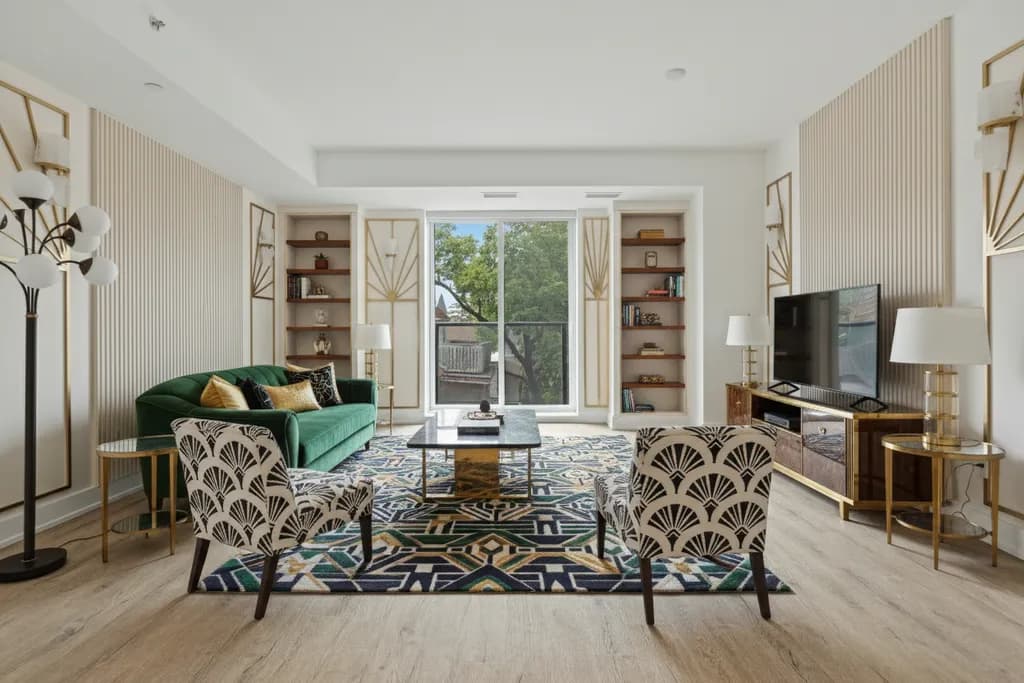
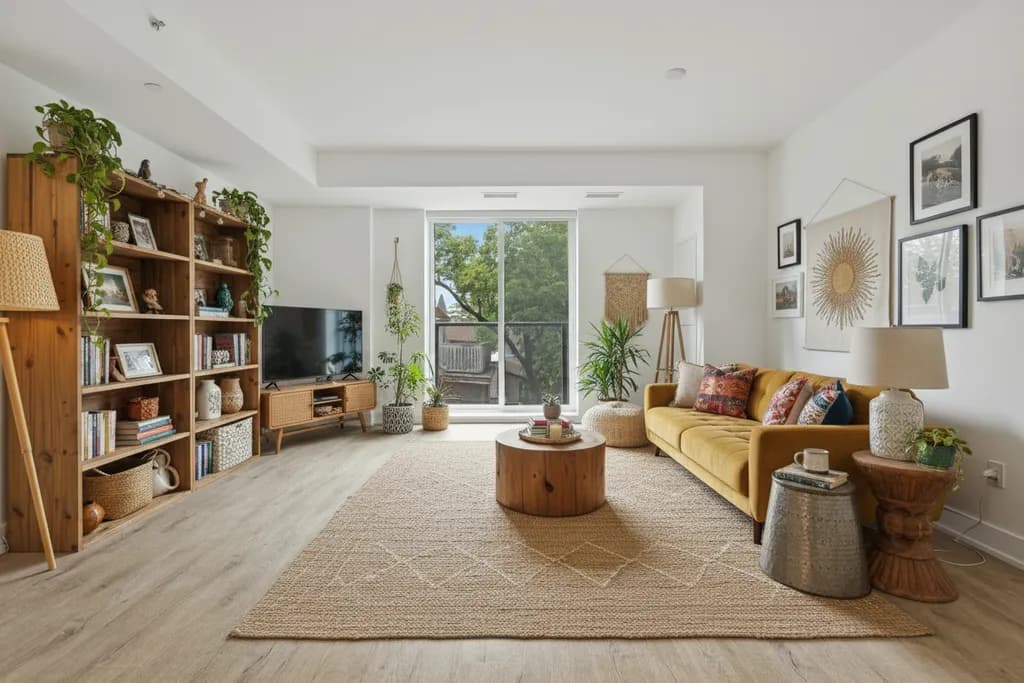
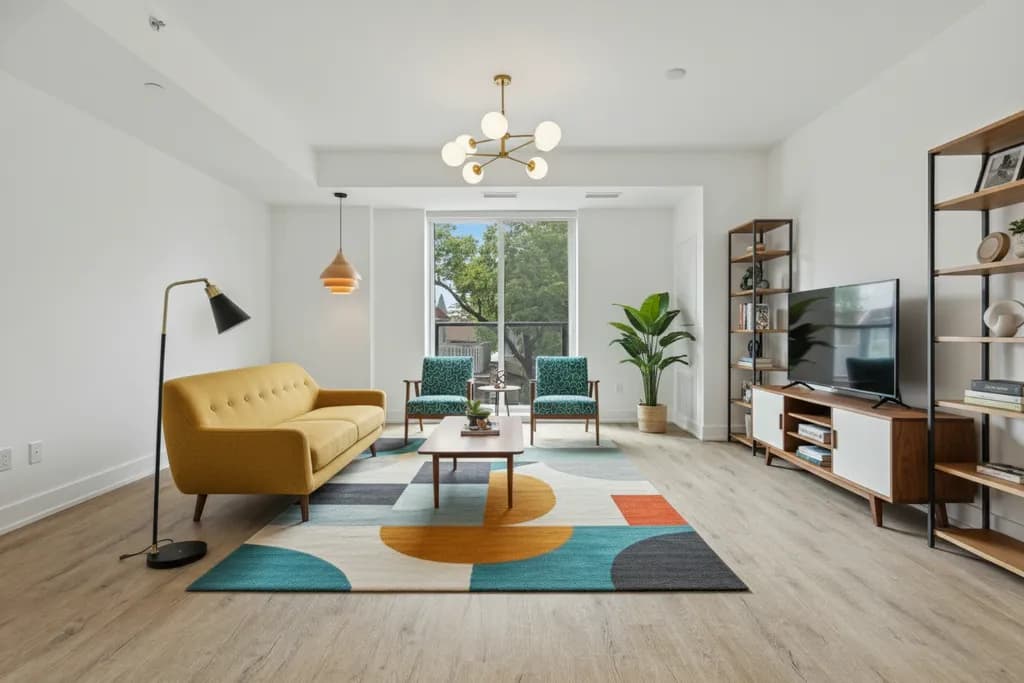
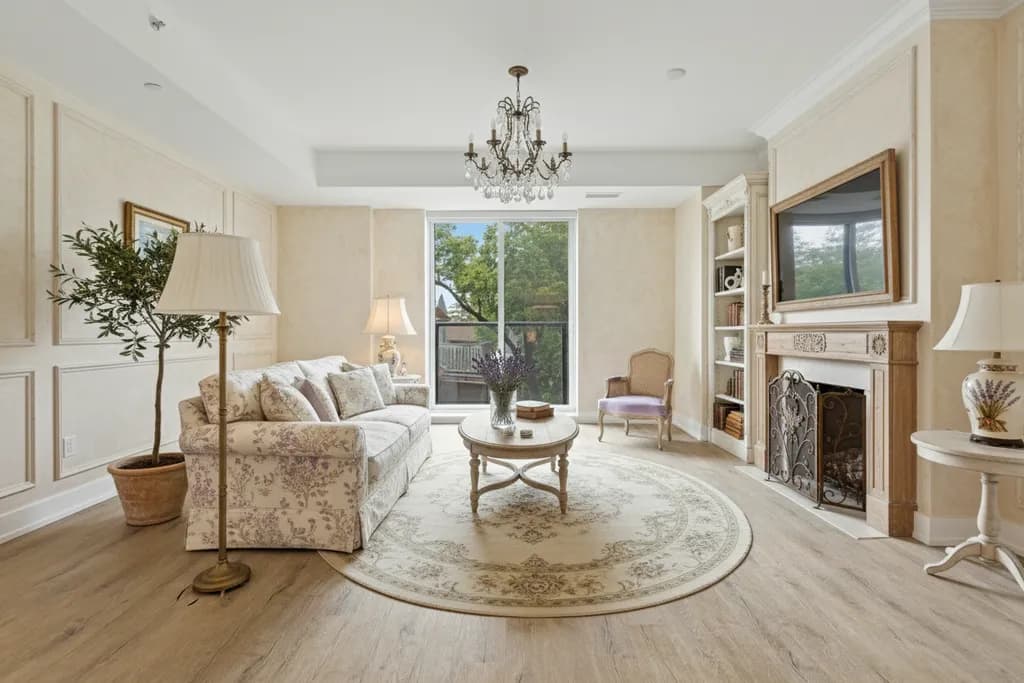
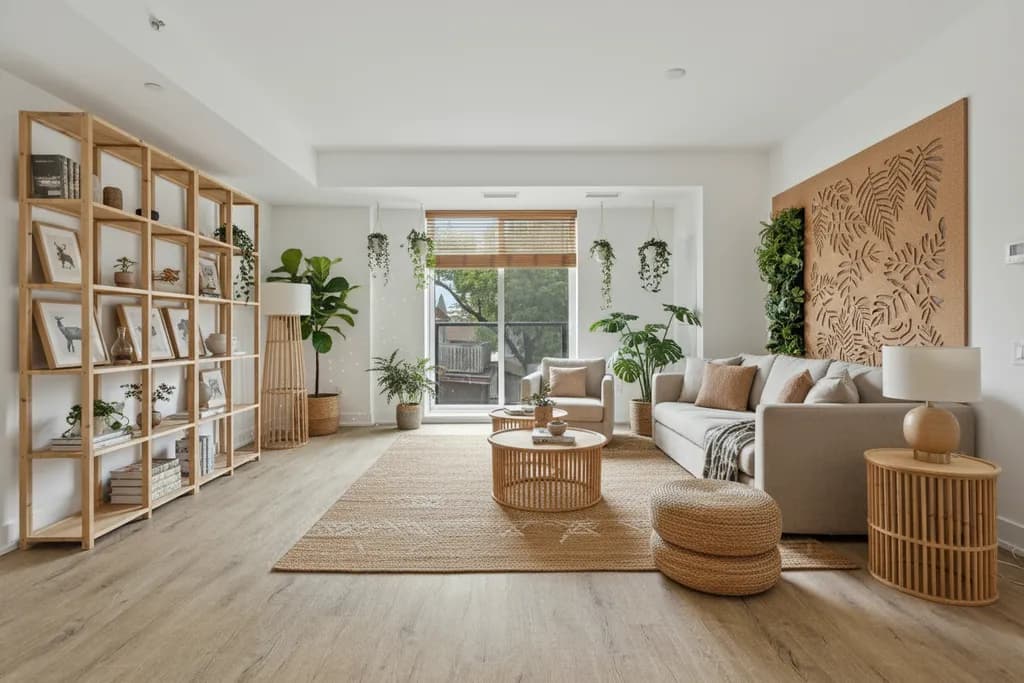
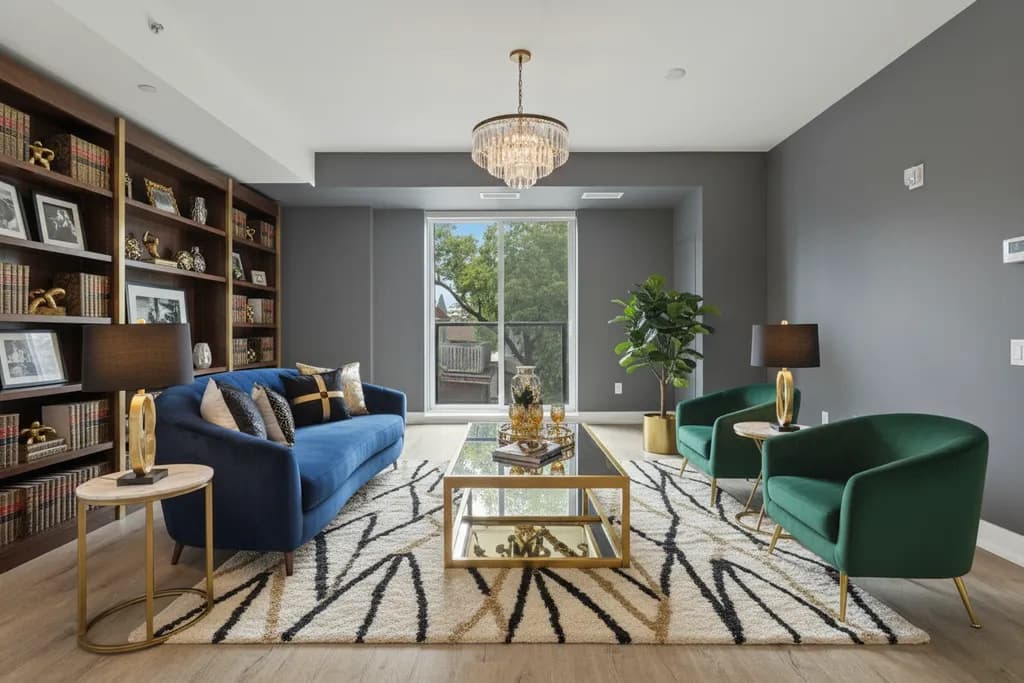
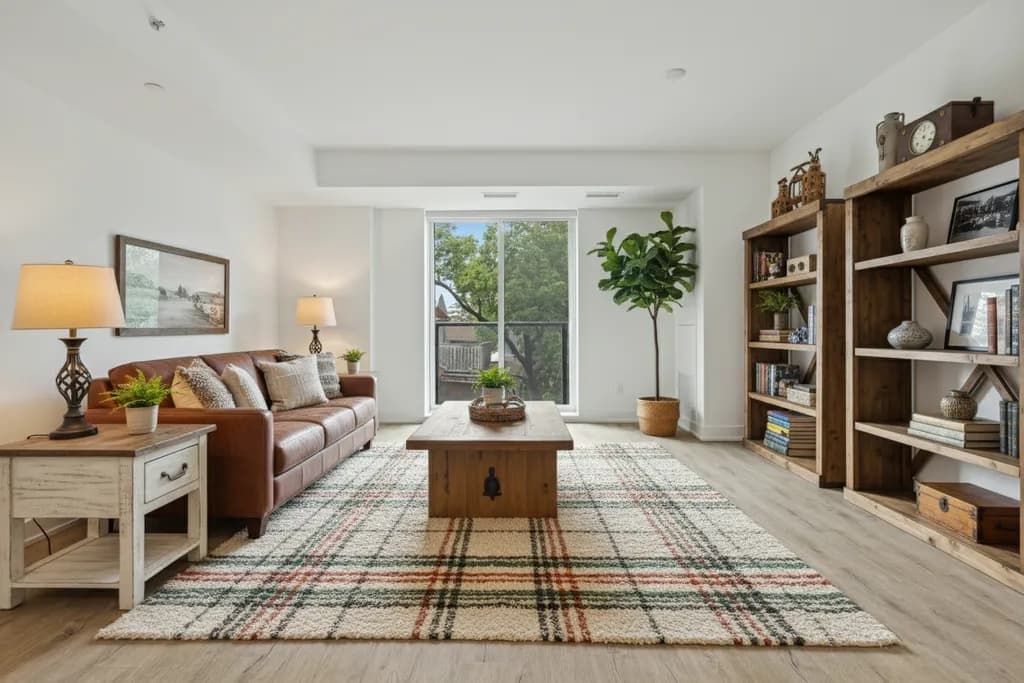
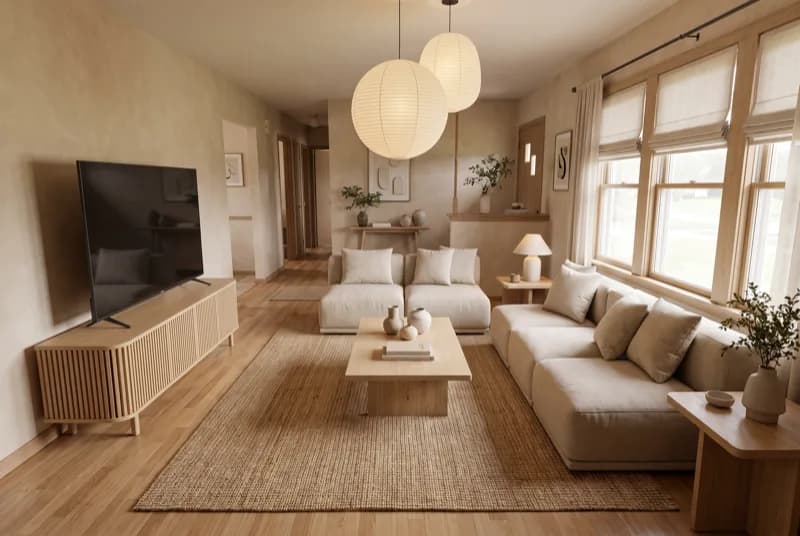
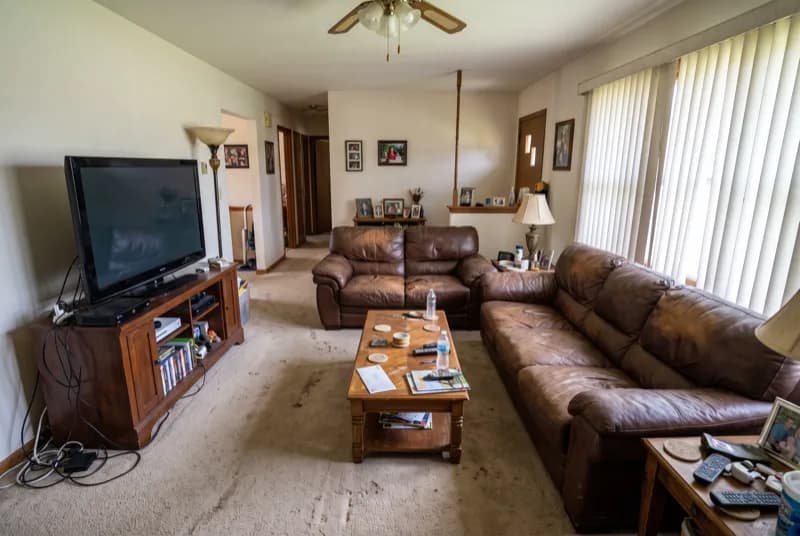
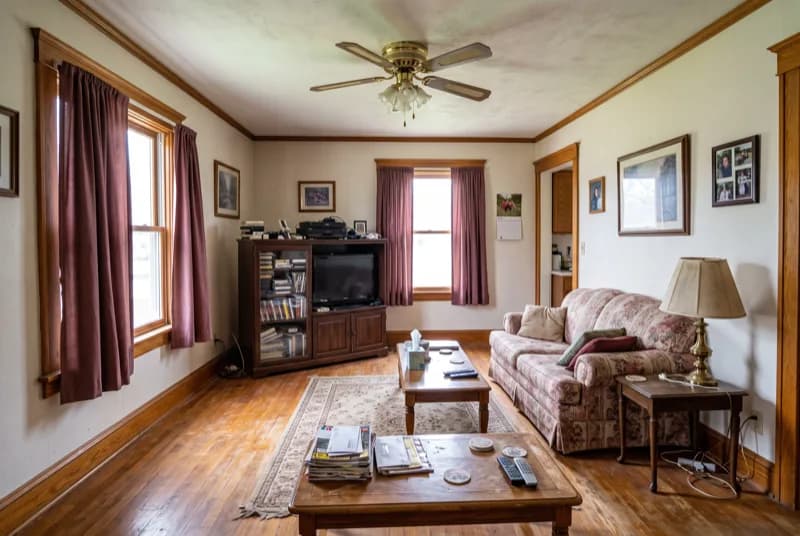
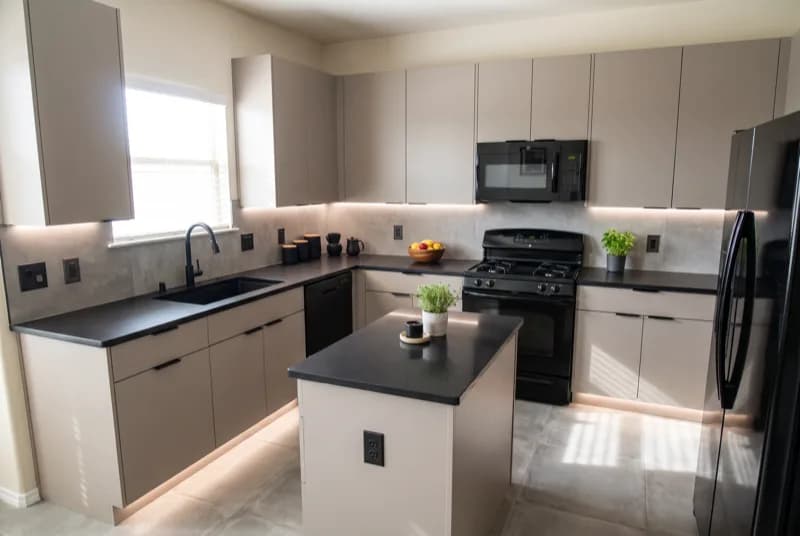
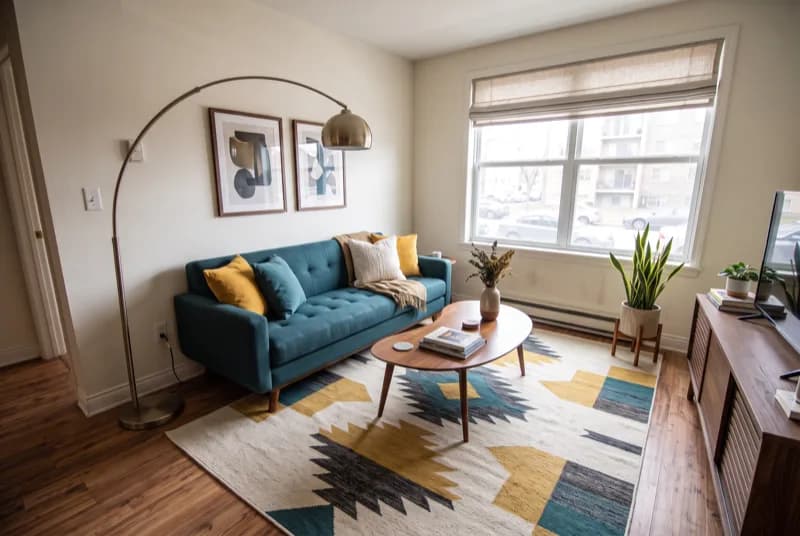
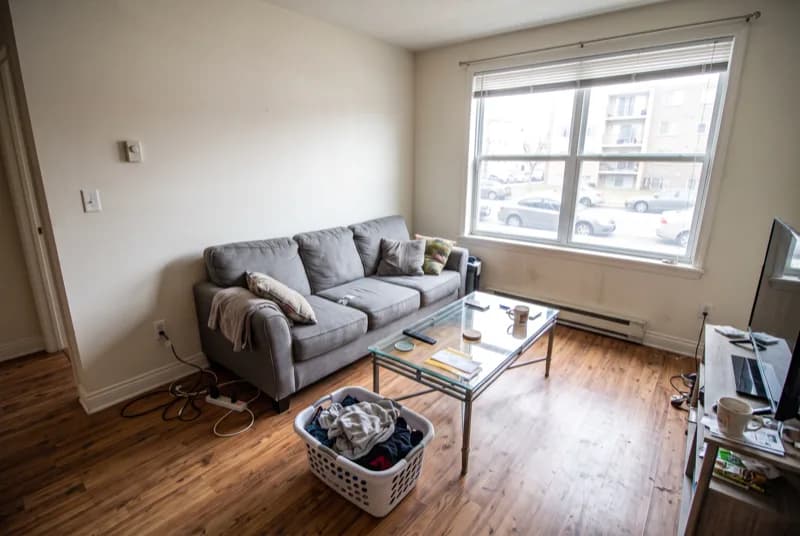
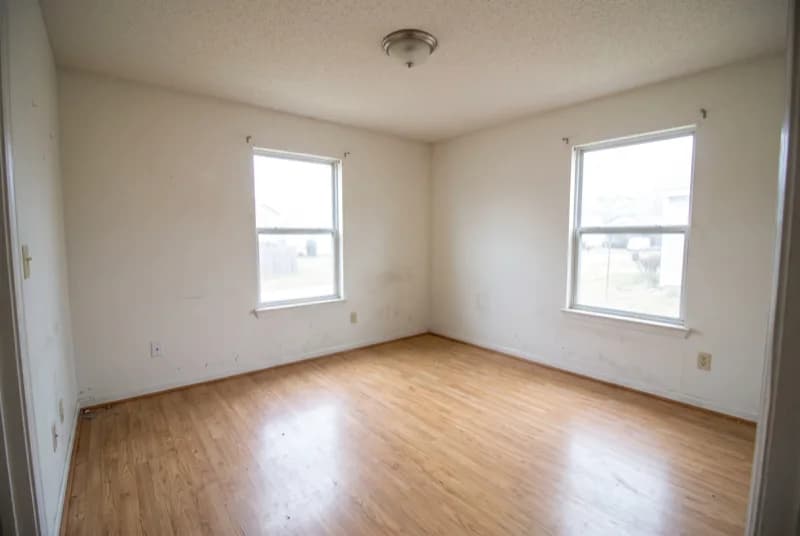
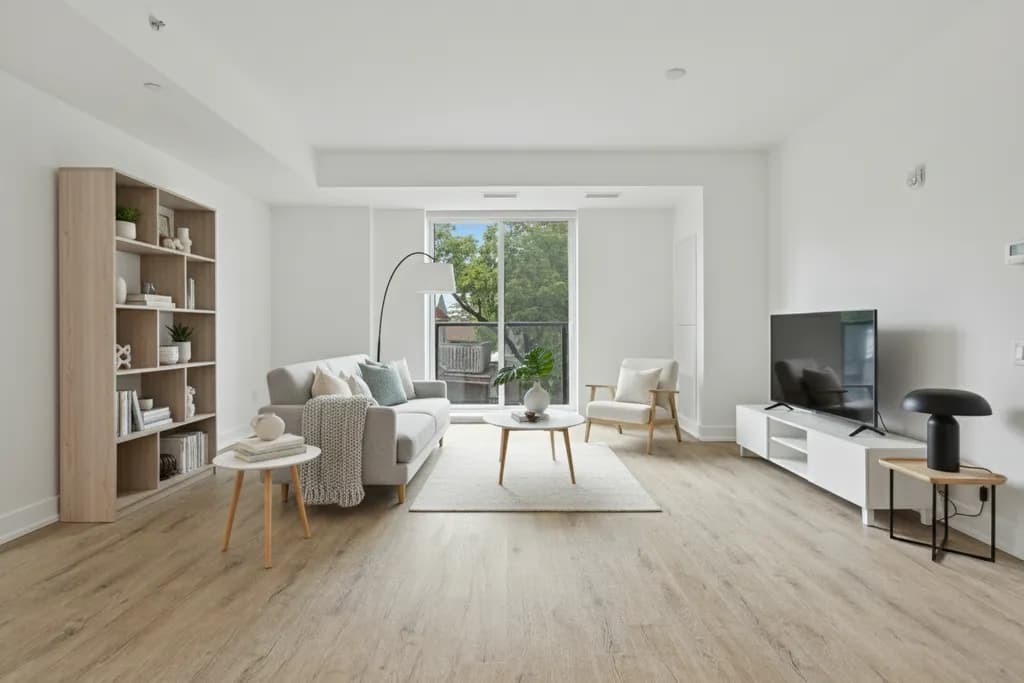
Every image below started as the same empty living room: sample renders made with the AI models behind RivAI. Tap one to see how to get that look at home.


How it works
Three taps from photo to finished room
 1
1Snap a photo
Any room, facade or garden. No measuring, no floor plans, no account.
 2
2Pick a style
43 styles, Keep Structure or Full Renovation, and an optional color palette.
 3
3See it, then refine
Drag the before/after slider, then paint, swap floors, replace or remove objects.
Free to try · 3-day free trial on annual · Cancel anytime
More than a filter
Every tool you need to get it right
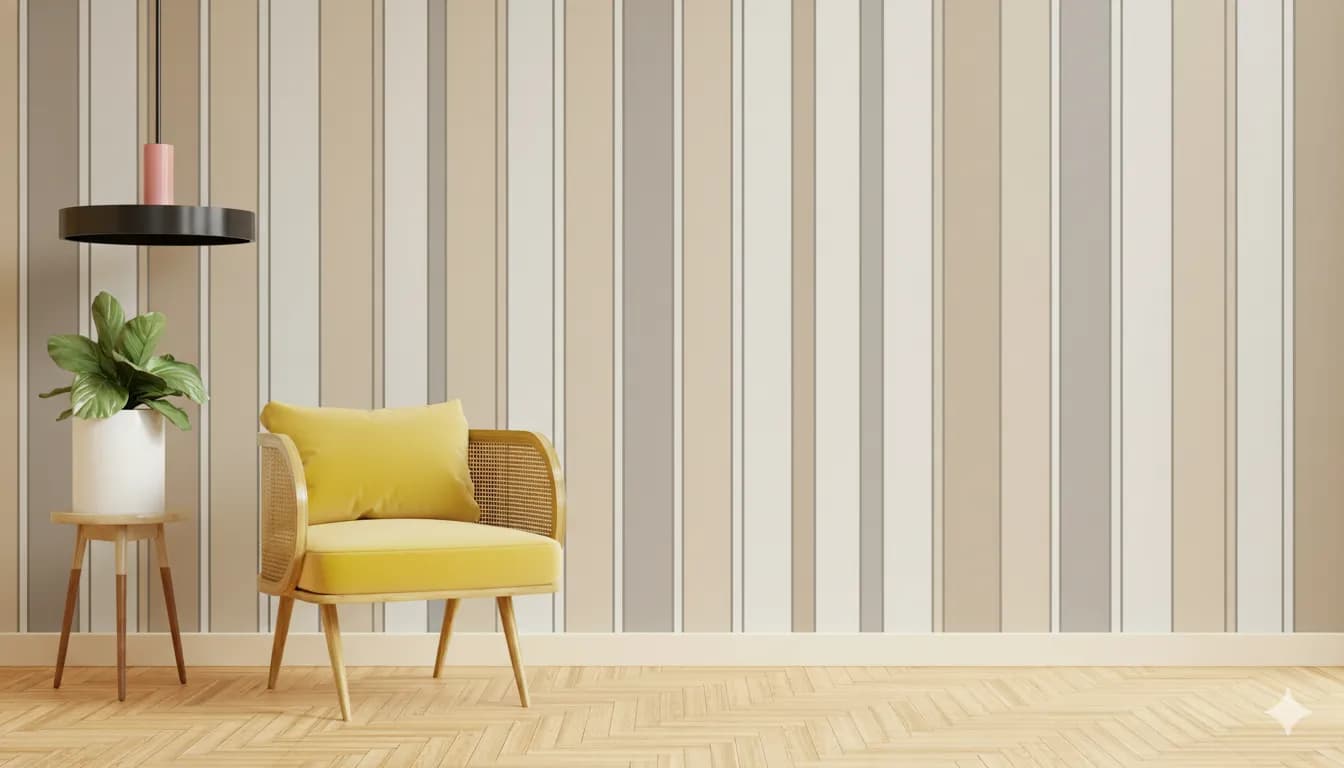
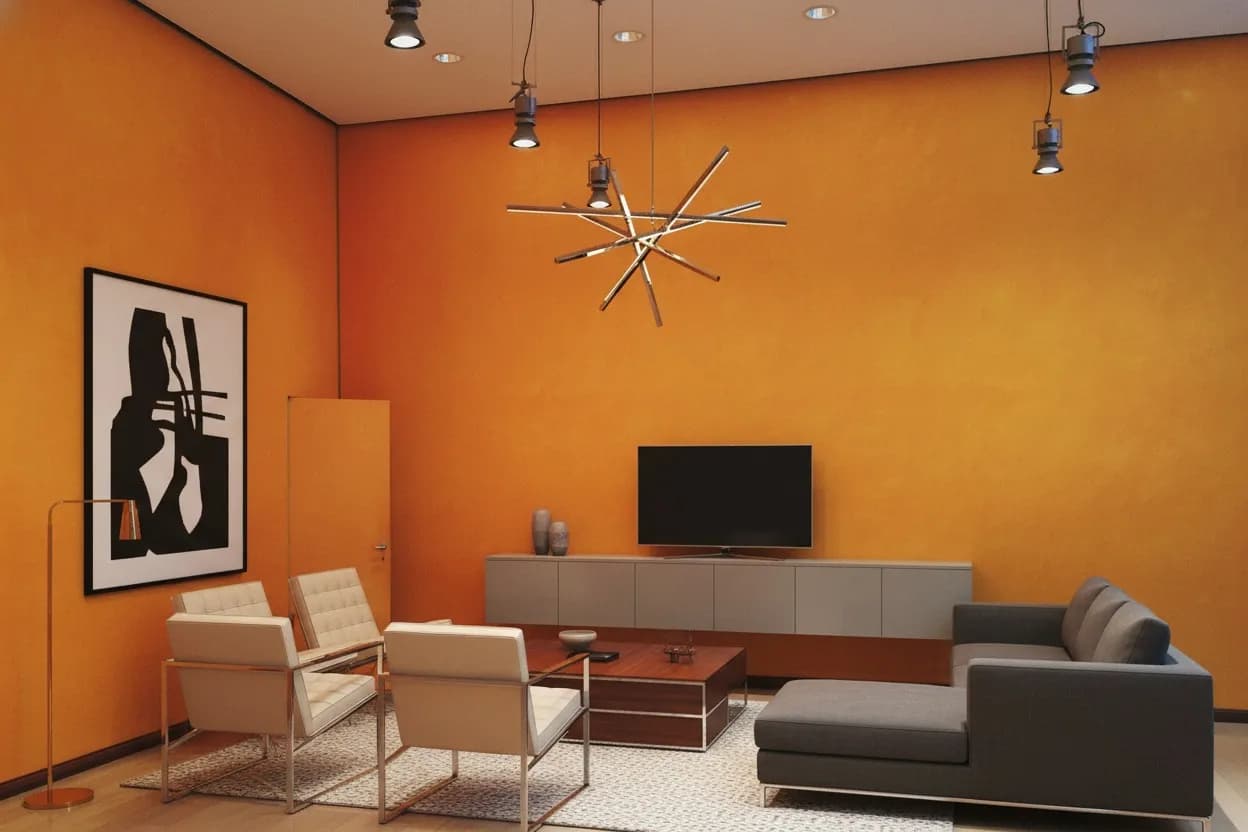
Restyle the whole room, or change just the one thing you're unsure about.

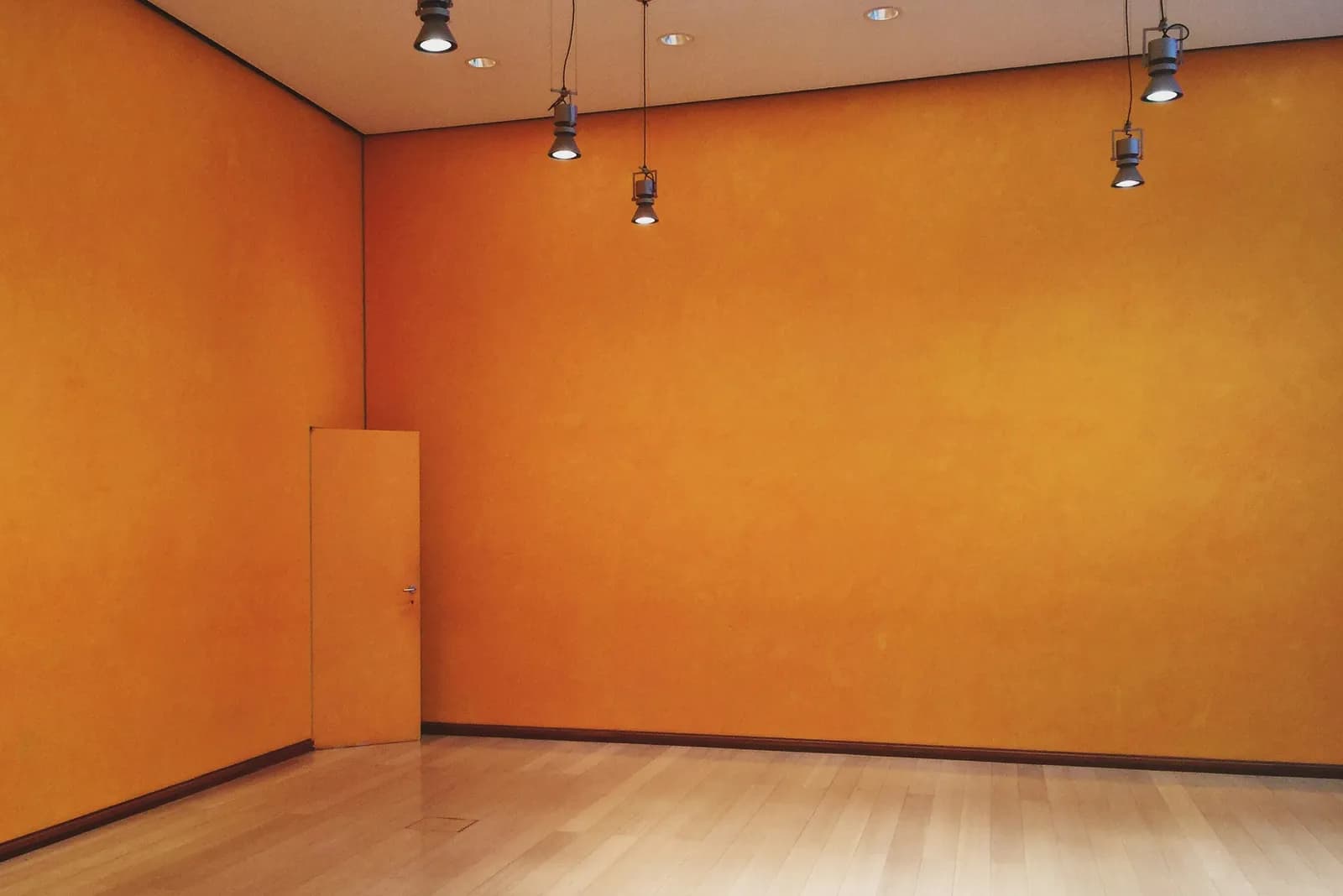
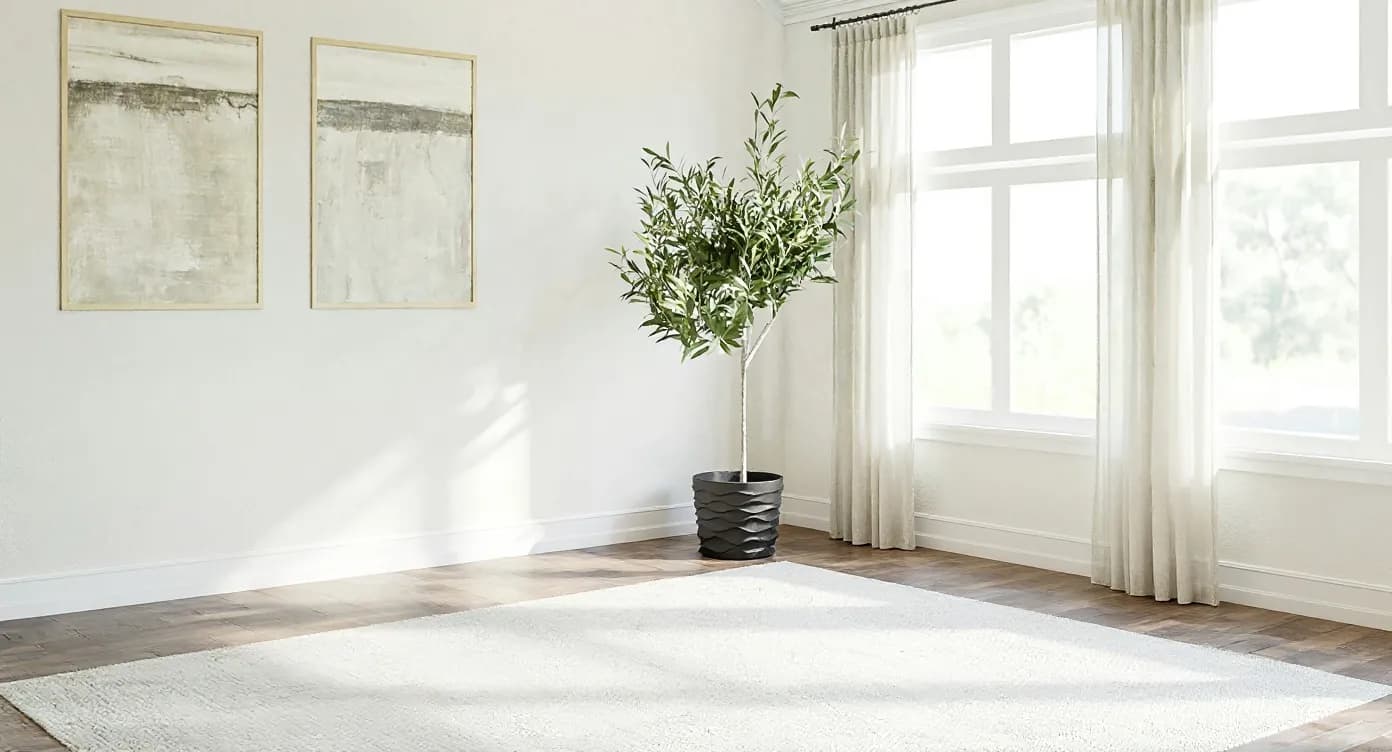



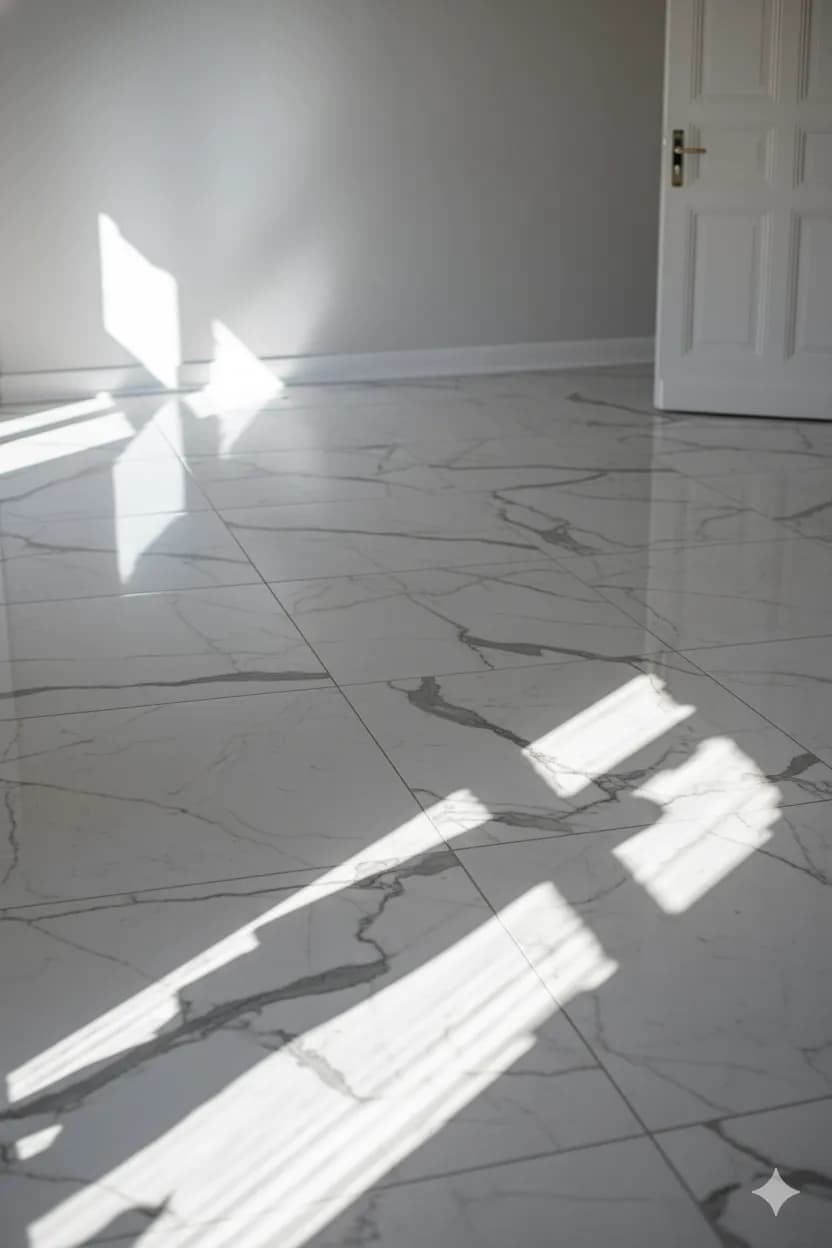
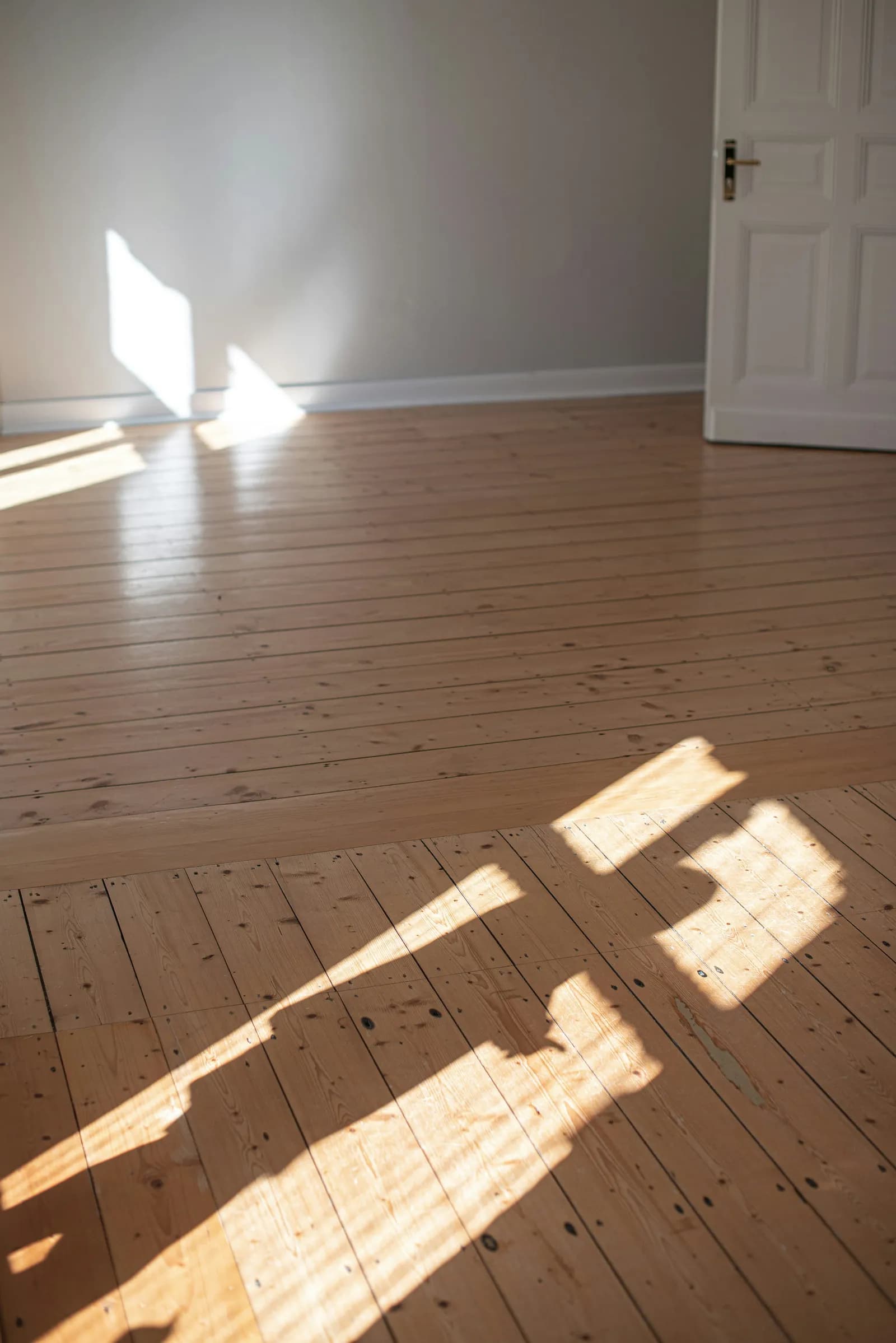




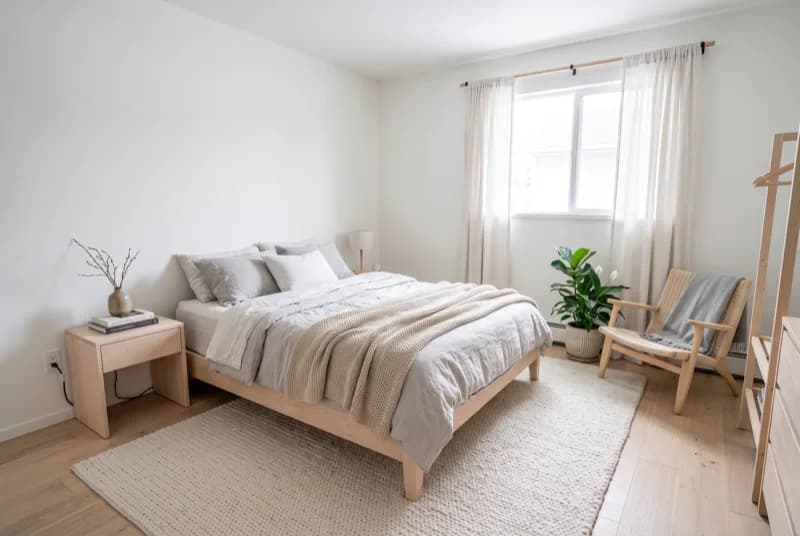
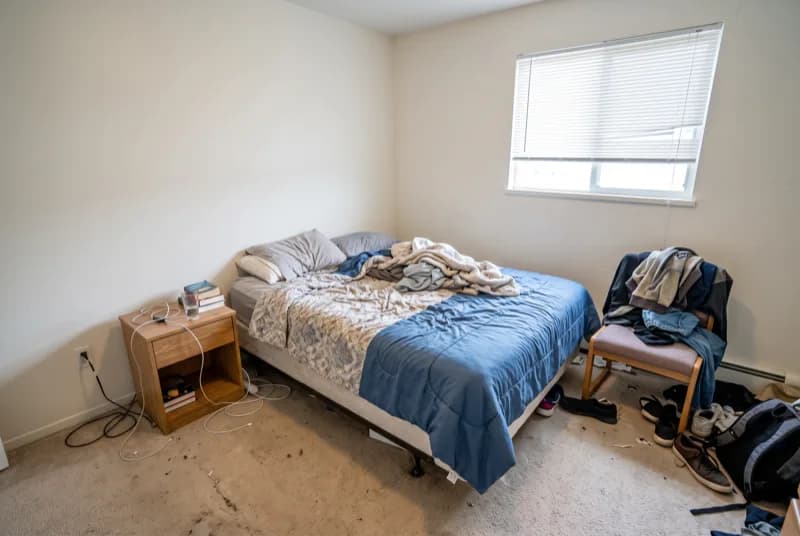


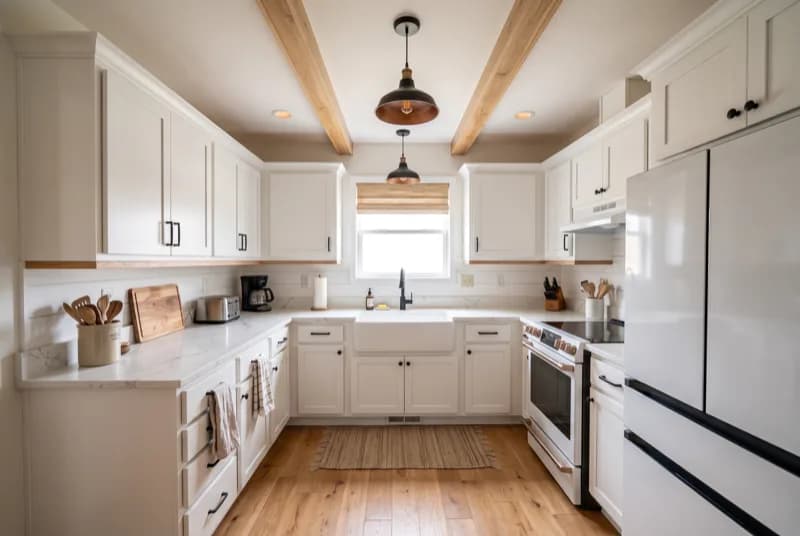
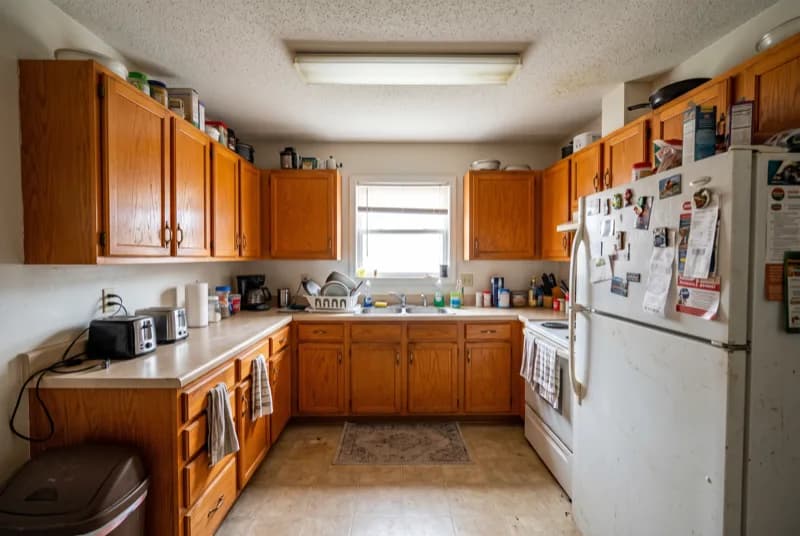
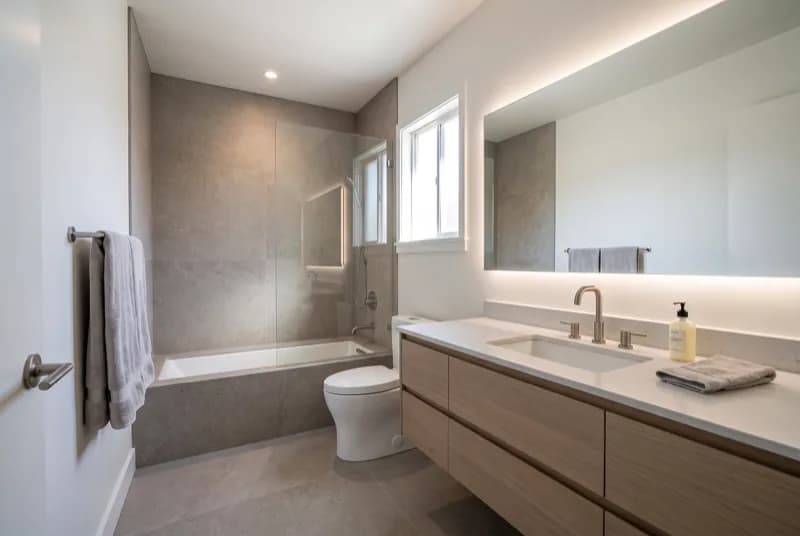
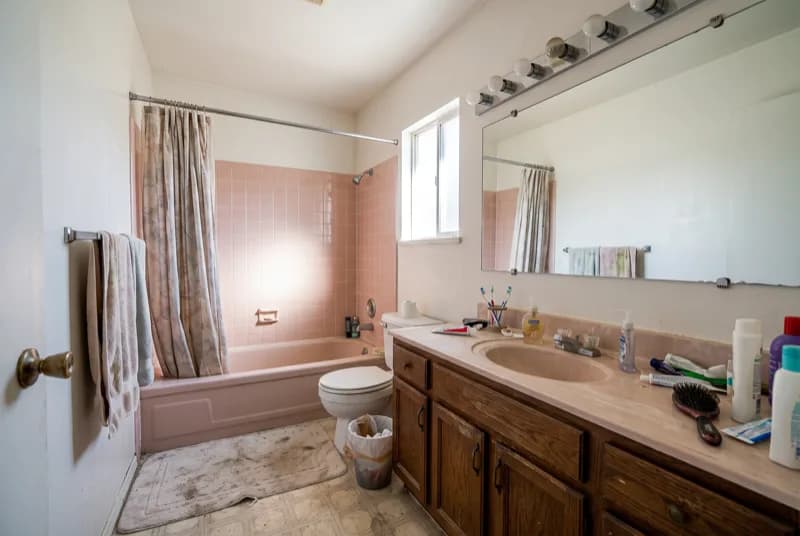
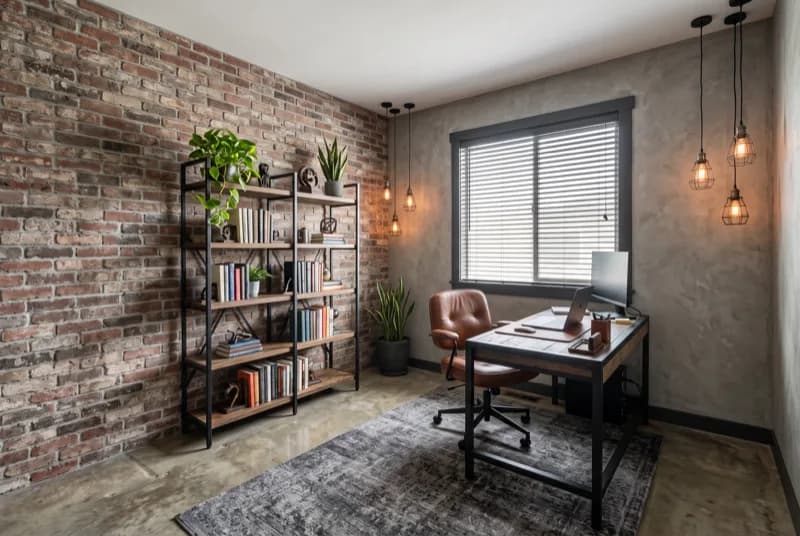

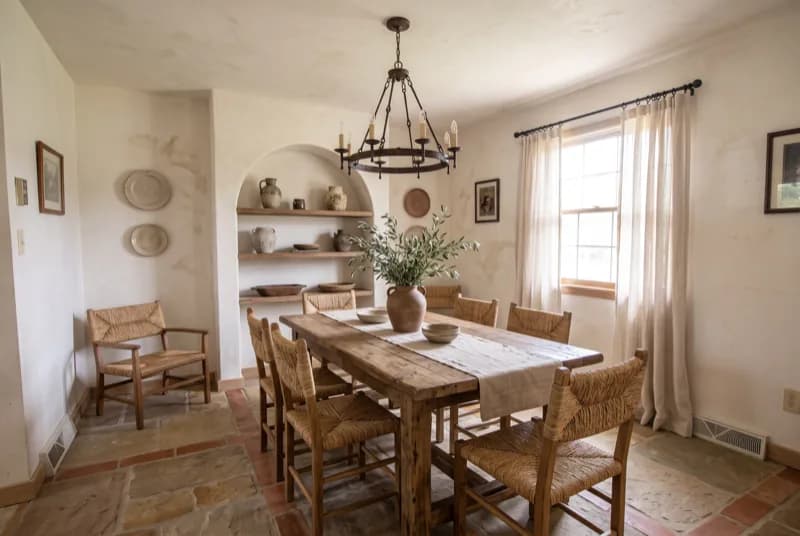
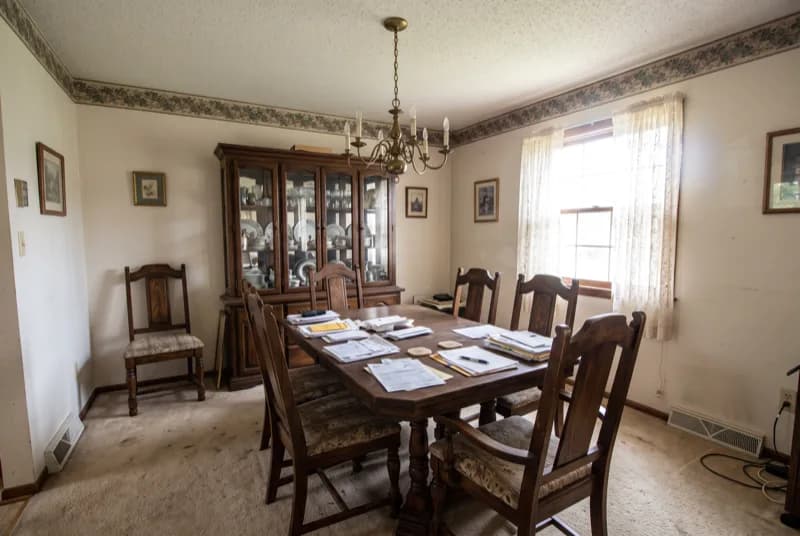
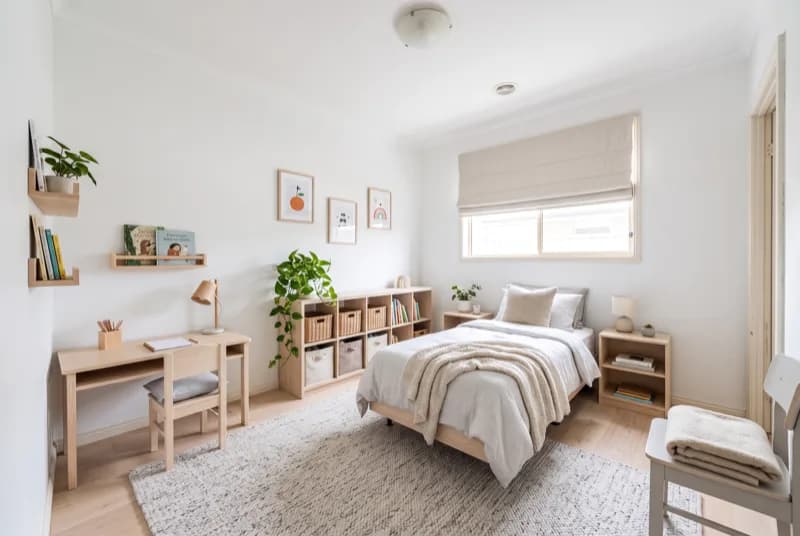
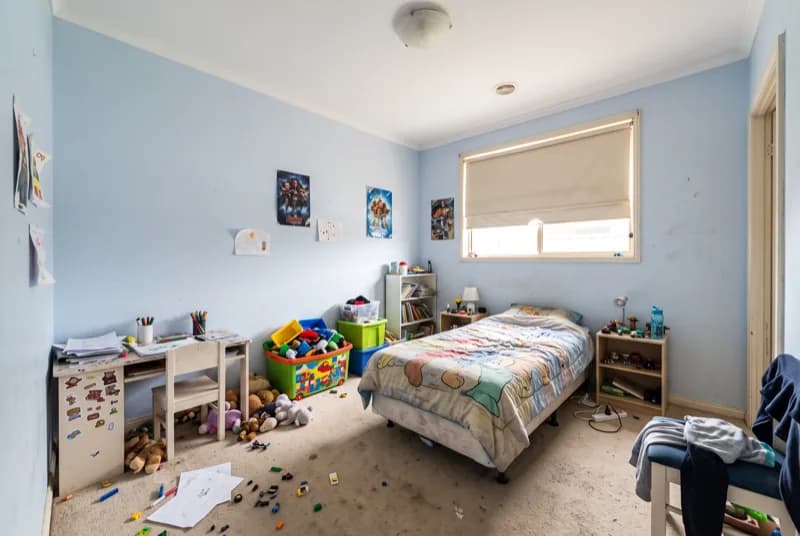
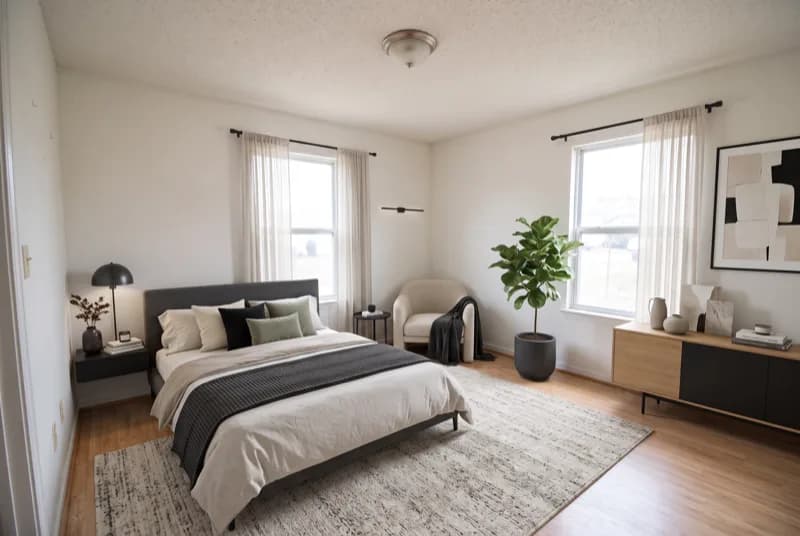
No risk
Try it free. Pay only if you love it.
Free to try: download it and redesign your first room for nothing. Upgrade inside the app only if you want more.
Free to try
Download, snap a room and see your first redesign. No account needed.
3-day free trial
On the annual plan: Pro removes the free-design limit and the watermark and unlocks High Quality. Nothing to pay today.
Cancel anytime
Two taps in your Apple ID settings. Billing is handled securely by Apple.
Free to try · 3-day free trial on annual · Cancel anytime
Free quiz
Find your interior style in 60 seconds
Nine visual questions, one result matched to a real RivAI style, plus a free PDF style guide.
Take the quiz →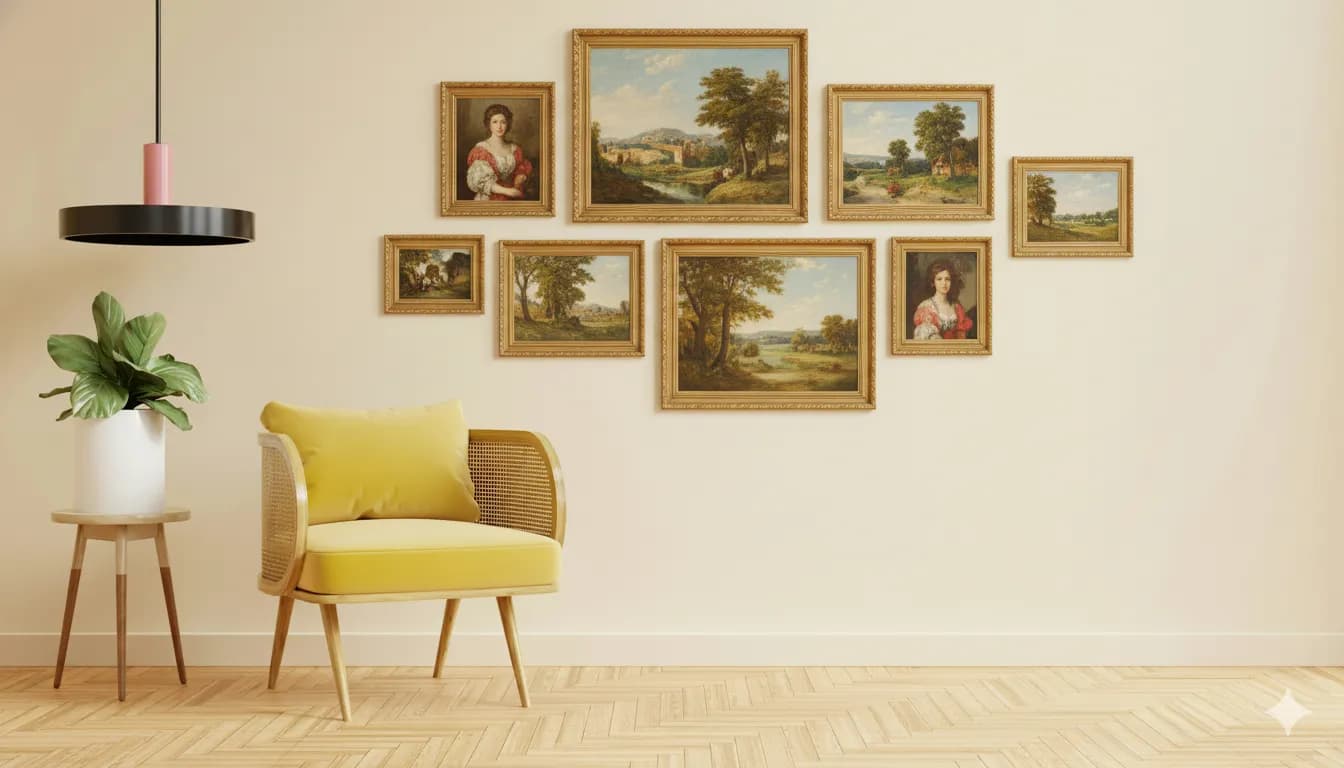
Free tool
A designer palette, with hex codes, in one click
Pick a style and a room, get five colors that work together. Copy the codes or download a PNG.
Generate a palette →Browse ideas by space
Every RivAI tool has its own guide: AI interior design, AI exterior design, AI landscape design, paint color visualizer, interior color palette generator, AI virtual staging preview, remove objects from room photos, AI room planner, interior design style quiz and best AI interior design apps.
Looking for a specific combo? Try Japanese bedroom ideas, Mid-Century living room ideas or Coastal kitchen ideas. Browse every style and room combination in interior design ideas.
Questions, answered
What is RivAI?
RivAI is an iPhone app by PixelPort LLC that redesigns a room, house exterior or garden from one photo. Pick one of 43 styles and get a photorealistic before-and-after in about 30 seconds. It is free to try. Pro costs $9.99 a week or $39.99 a year in the US, and the annual plan starts with a 3-day free trial.
Is RivAI free?
Yes, RivAI is free to download and free to try: your first designs cost nothing and carry a small watermark. After that, Pro is $9.99 per week or $39.99 per year in the US, and the annual plan starts with a 3-day free trial. Pro unlocks the High Quality tier and removes the watermark. Cancel anytime in your Apple ID settings.
Will RivAI keep my room's layout?
If you want it to. Keep Structure mode preserves your walls, windows and furniture placement and changes only finishes and decor. Full Renovation lets the AI rethink the whole room.
Can RivAI redesign exteriors and gardens too?
Yes. Besides 9 interior room types, RivAI handles house exteriors, house decorations, patios, backyards, outdoor spaces, gardens, front yards, pool areas and driveways: 18 space types in total.
What can I edit after a redesign?
You can keep iterating on any result: paint a surface in an exact color (12 swatches or any hex code in the iOS color picker), change flooring, walls or curtains, replace or remove objects, empty the room, or apply the look of a reference photo.
How is RivAI different from web tools like RoomGPT?
RivAI is a native iPhone and iPad app with 43 styles and 11 tools, not just one-shot restyling. You can paint exact colors, replace single objects, remove clutter and transfer a look from a reference photo, then compare everything on a before/after slider.
Last updated 2026-10-09
Your next room is one photo away
Snap it, pick a style, see it redesigned in about 30 seconds.
Free to try · 3-day free trial on annual · Cancel anytime
